
Save the keyboard shortcuts you want to remember
Try Shortcut Keeper— a simple app to get more productive with your Mac.
Get Shortcut Keeper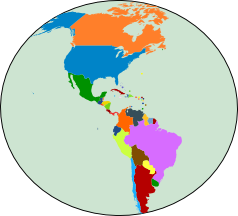
The Americas
Use the switches in Step 1 to make a map only of North or South America. Then, center and focus on the subcontinent you want with zoom mode.
 or
I
O : Zoom in/out
or
I
O : Zoom in/out
 or W
A
S
D : Move map
or W
A
S
D : Move map
Your choices will be saved for your next visits to this map page.
Zoom active
The Americas
Use the switches in Step 1 to make a map only of North or South America. Then, center and focus on the subcontinent you want with zoom mode.
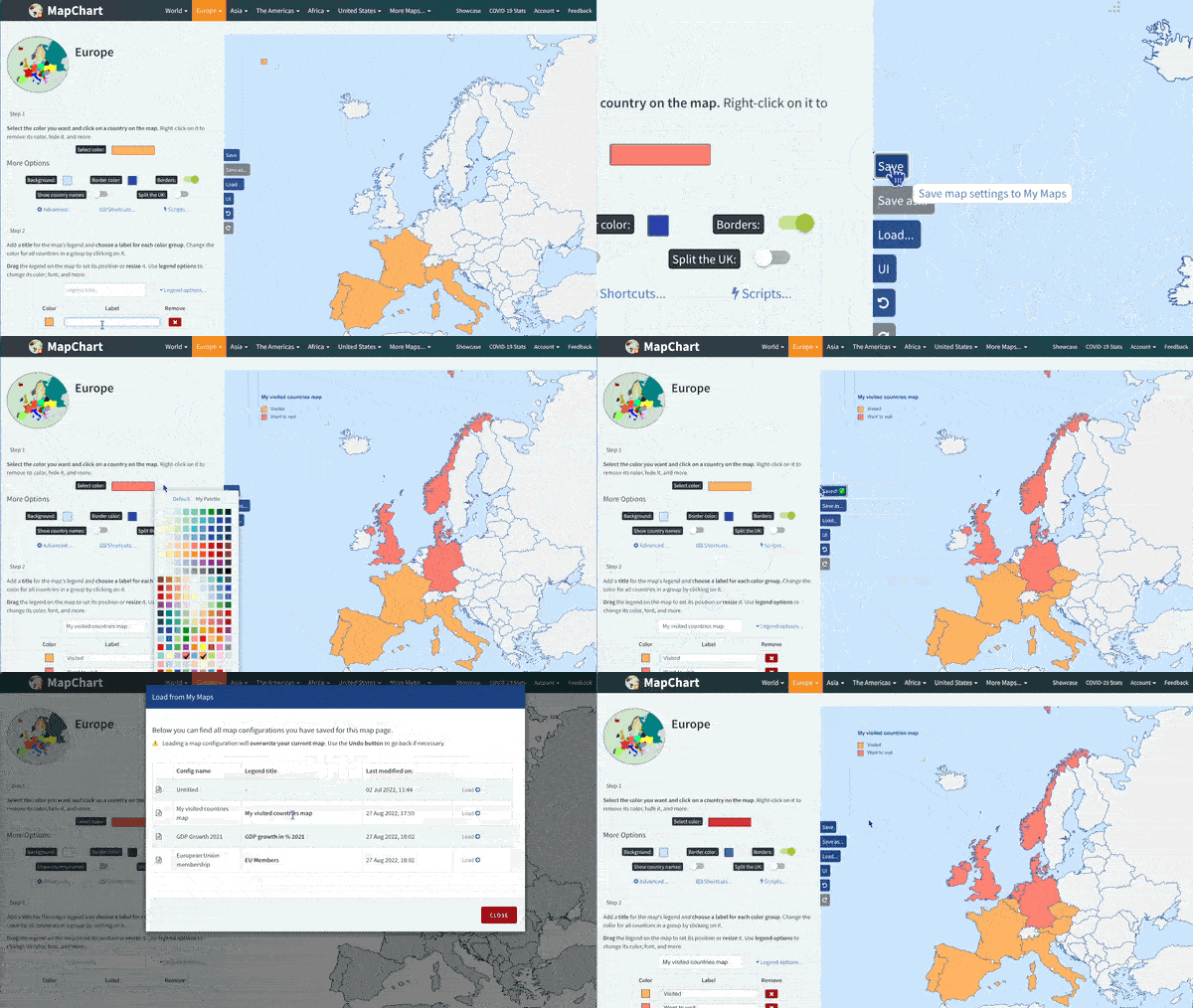
Select the color you want and click on a country on the map. Right-click to remove its color, hide, and more.
Add a title for the map's legend and choose a label for each color group. Change the color for all countries in a group by clicking on it.
Drag the legend on the map to set its position or resize it. Use legend options to change its color, font, and more.
| Color | Label |
|---|