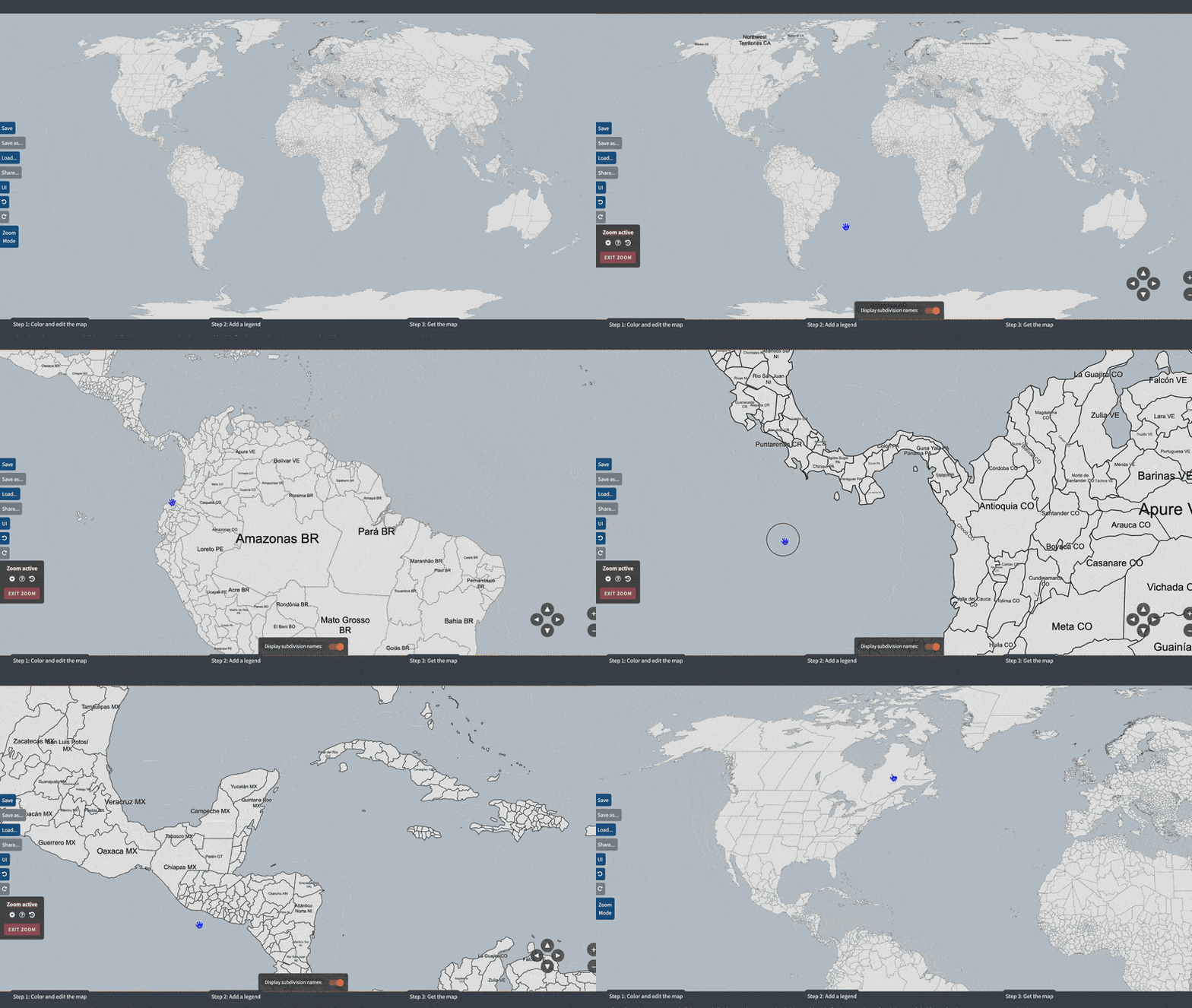
Hearts of Iron IV Provinces map UPD
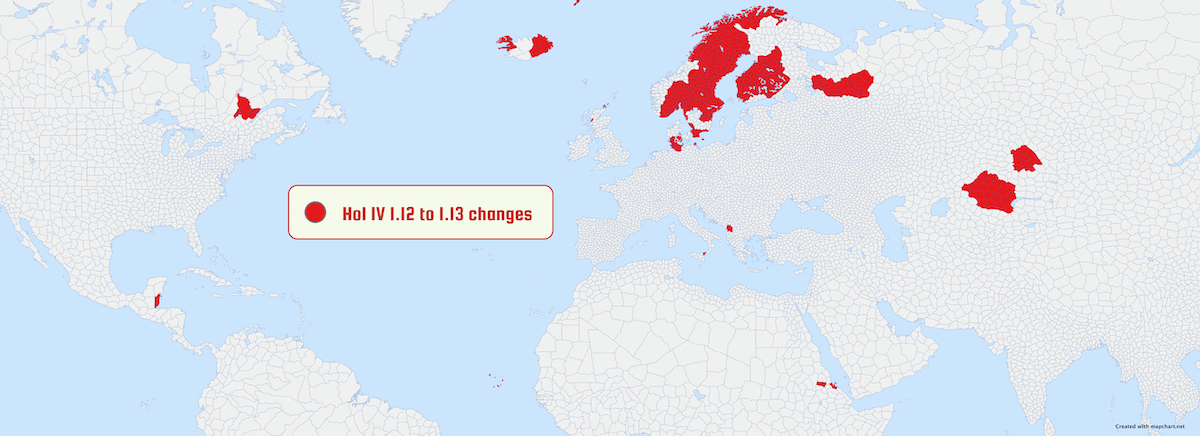
A map of HoI IV's provinces, up-to-date with the latest version of the game
(version 1.17 "No Compromise, No Surrender").
- The map has been updated to the latest version of the game ("No Compromise, No Surrender"). Check the What's New page for a full list of changes.
- To color all countries as they appeared at the start of the game in 1936, click .
- Use the option below to display a previous version map.
- This map has around 10,000 elements, so it can be a bit slower to load and zoom in/out compared to other maps.
- Check the Shortcuts... dialog in Step 1, to learn how you can speed-up the map-making process.
- If you are into making alternate history maps, you may find the HoI IV States, Victoria 3 provinces, world subdivisions, Europa Universalis IV, or "War Games" maps useful.
 or
I
O : Zoom in/out
or
I
O : Zoom in/out
 or W
A
S
D : Move map
or W
A
S
D : Move map
Your choices will be saved for your next visits to this map page.
Zoom active
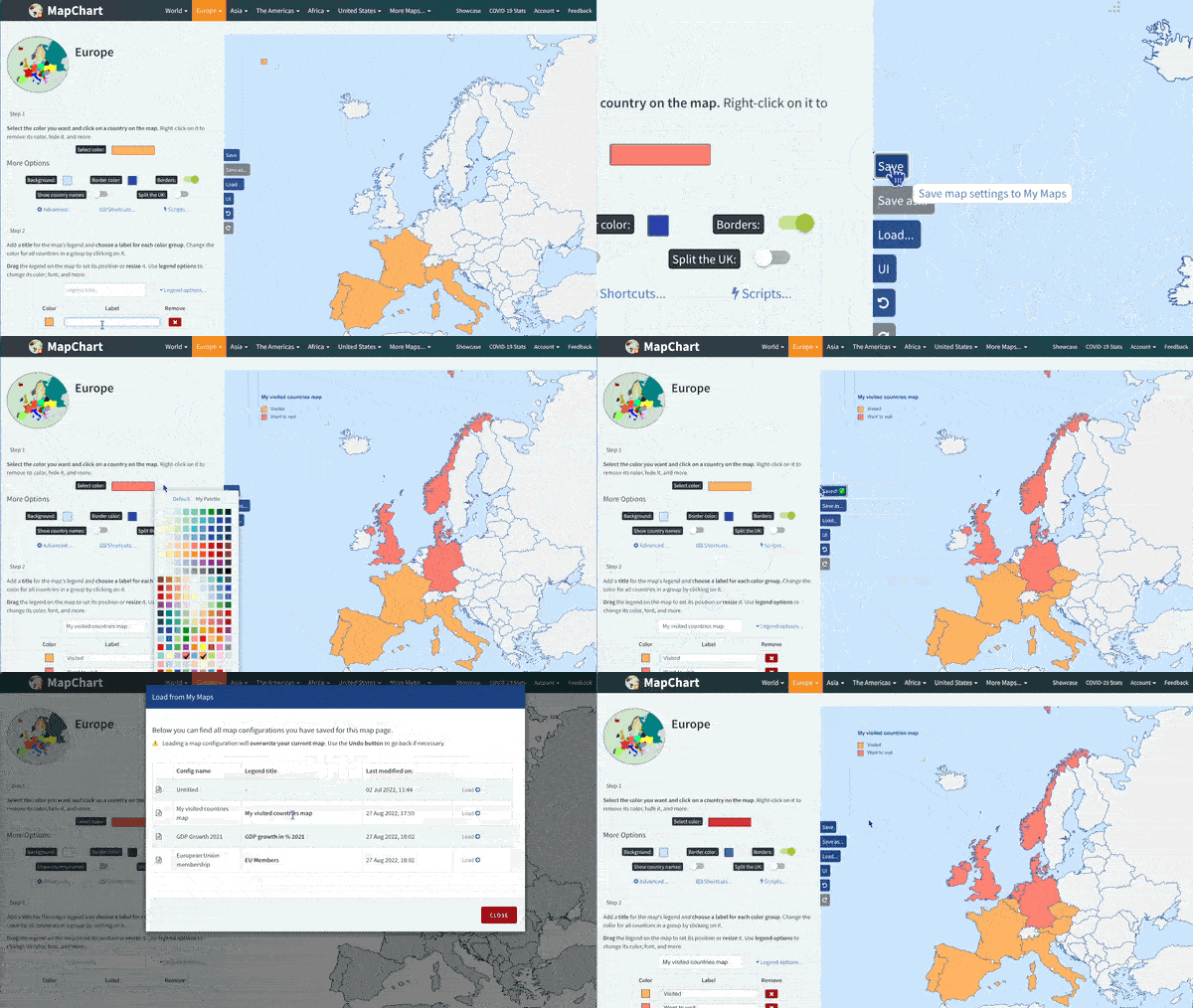
Select the color you want and click on a province on the map. Right-click to remove its color, hide, and more.
Color all provinces of a state
Select a state and click COLOR STATE to color all its provinces with the selected color. Keyboard shortcut: Alt + Shift + click on a province.
Search for a province and color it
Search for the province you want and click COLOR to paint it with the currently selected color. Use REMOVE to remove the color of the selected province.
Add a title for the map's legend and choose a label for each color group. Change the color for all provinces in a group by clicking on it.
Drag the legend on the map to set its position or resize it. Use legend options to change its color, font, and more.
| Color | Label |
|---|