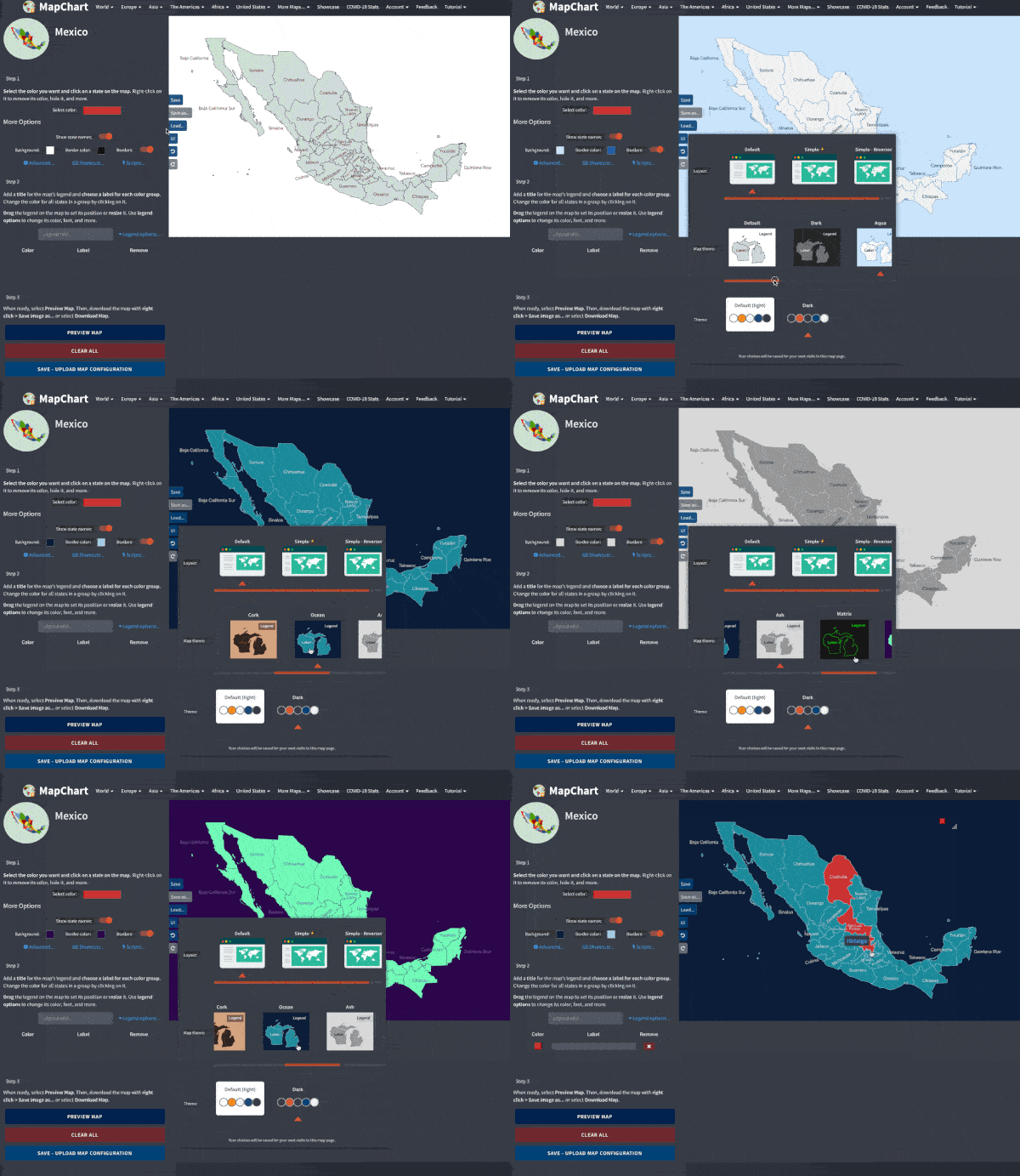
🇲🇽 Mexican subdivisions (states and municipalities) map
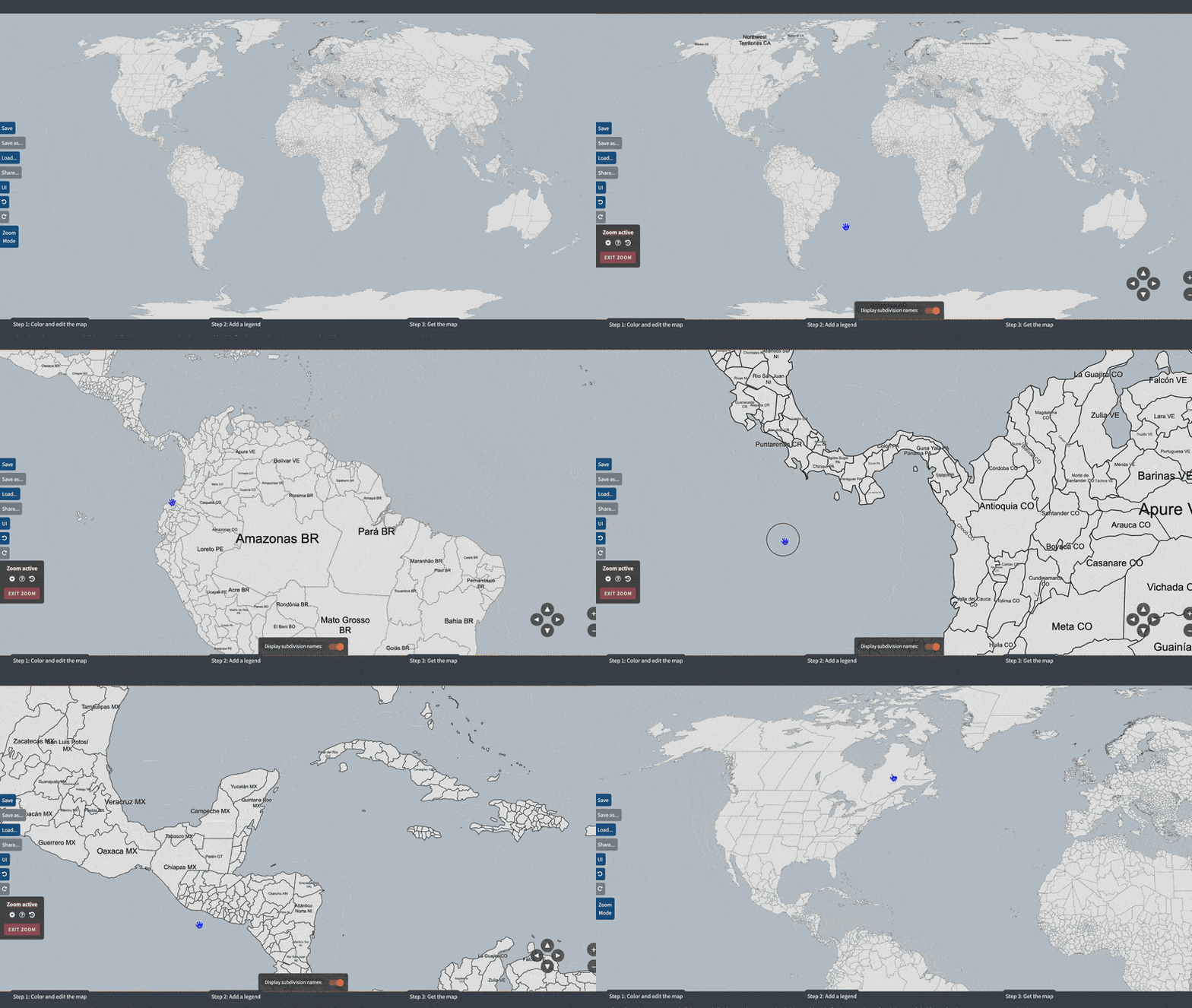
Make your own map showing the 2,477 municipalities of Mexico.
- Use the options in Step 1 to make states colorable or transparent.
- Use the special options in Step 1 to make coloring the map easier.
- Use the advanced shortcuts (Ctrl + move, Alt+Shift+click) to quickly edit and color the map.

Save the keyboard shortcuts you want to remember
Try Shortcut Keeper— a simple app to get more productive with your Mac.
Get Shortcut Keeper or
I
O : Zoom in/out
or
I
O : Zoom in/out
 or W
A
S
D : Move map
or W
A
S
D : Move map
Your choices will be saved for your next visits to this map page.
Zoom active
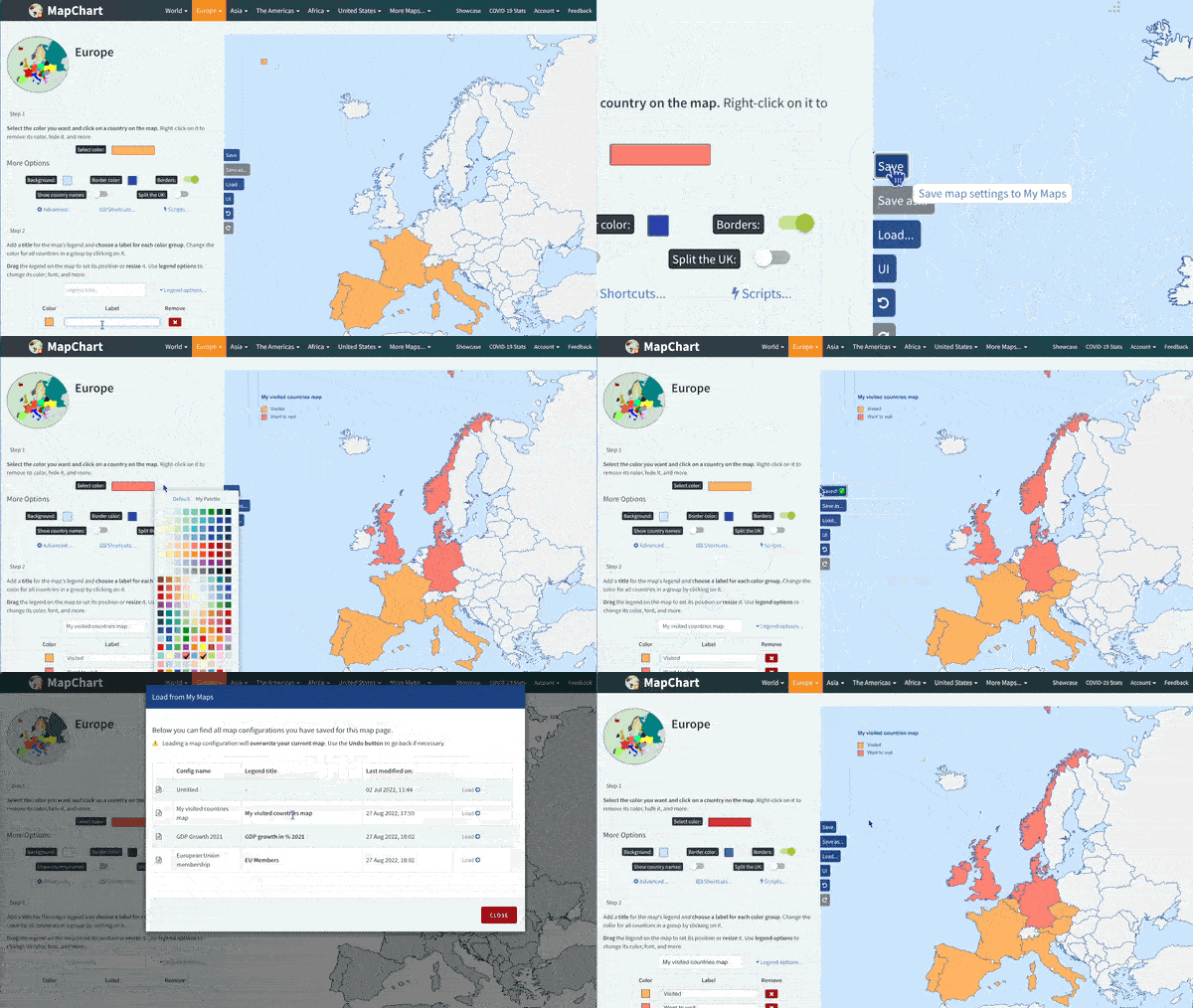
Select the color you want and click on a municipality on the map. Right-click to remove its color, hide, and more.
Color all municipalities of a state
Select a state and click COLOR STATE to color all its municipalities with the selected color. Keyboard shortcut: Alt + Shift + click on a municipality.
Search for a municipality and color it
Search for the municipality you want and click COLOR to paint it with the currently selected color. Use REMOVE to remove the color of the selected municipality.
Add a title for the map's legend and choose a label for each color group. Change the color for all municipalities in a group by clicking on it.
Drag the legend on the map to set its position or resize it. Use legend options to change its color, font, and more.
| Color | Label |
|---|